It checks every change
After each change, MifBridge reads the result back from the editor and reports exactly what it finds, including anything that came out different.
MifBridge lets Claude and other AI assistants work inside Unreal Engine and Blender. After every change, it looks at the editor to confirm the change really happened, and tells the AI exactly what it found.
See how it is tested →When the AI asks for a change, MifBridge makes it, then looks at the editor to see what actually happened and reports that, including anything that came out different. When the AI asks for something it is not allowed to do, MifBridge refuses and says why. These are real refusals from recorded sessions.
set_cvar · UE 5.7REFUSEDno console variable named 'mif.BridgeWriteMode'
The AI tried to raise its own permission level through a console variable. There is no such switch: only a person can change the level, in the MifBridge panel or when starting the editor.
import_asset · UE 5.7BLOCKED'import_asset' is refused: the MifBridge safety gate is in 'scratch' mode. This endpoint either persists to disk, takes the editor loop, or executes outside the
Importing writes new files to disk, which the current level, scratch, does not allow. The rest of the message tells a person how to allow it.
set_render_settings colorDepth=32, fileFormat=PNG · Blender 5.2.1 LTSREFUSEDcolorDepth '32' is not one the PNG format accepts: bpy_struct: item.attr = val: enum "32" not found in ('8', '16'). The enum's own item list reports 8, 10, 1...
PNG images cannot be 32-bit. The reply names the bad value and the values that work, so the AI can fix its next try.
Copied word for word from the recorded sessions the panel above replays. Each message is its first line, shortened where the panel shortens it.
A ship’s bridge is where the crew sees what is really going on and steers from. MifBridge does that job for an AI working in Unreal Engine or Blender.
They can do almost anything, and they do exactly what they are told, mistakes included.
It has read every manual, but it can only send commands and read the replies. It knows only what the replies tell it.
Every reply is read from the editor itself. Each command does one clear thing, every command is logged, and anything you have not allowed is refused.
Connecting an AI to Unreal is the easy part. The hard part is making sure it is told the truth, so every success report comes with what the editor actually shows.
Four things that keep an AI from quietly breaking your project.
After each change, MifBridge reads the result back from the editor and reports exactly what it finds, including anything that came out different.
A misspelled or impossible setting is refused with the values that work and the most likely fix, so the AI can correct itself.
Three levels: read (look only), scratch (it can make changes but cannot save them or run risky commands) and full. Only a person can change the level, in the editor.
The MifBridge plugin works in Unreal Engine and the free MifBlender add-on works in Blender. The same MCP server drives both.

MifBlender built the rig in the order an engineer would, then checked the scene it left behind.
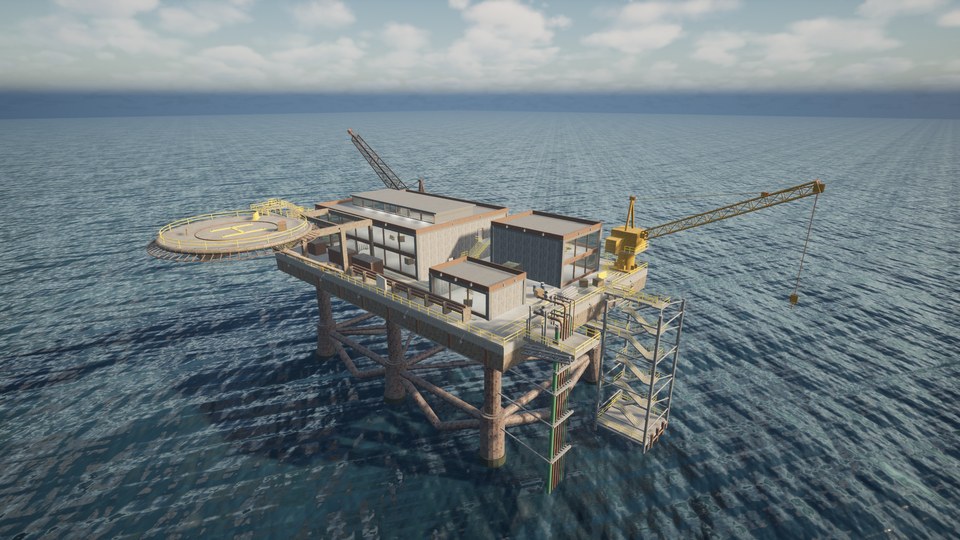
Geometry, materials, collision, lighting and navigation. The finished level is the proof.
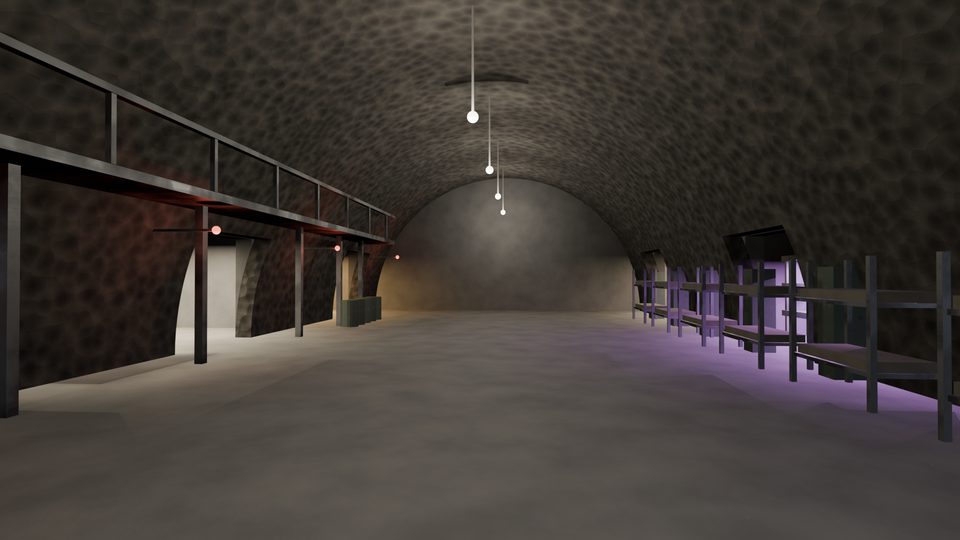
Assets, levels, Blueprints, materials and sequences each have their own commands, and each command reports exactly what it changed.
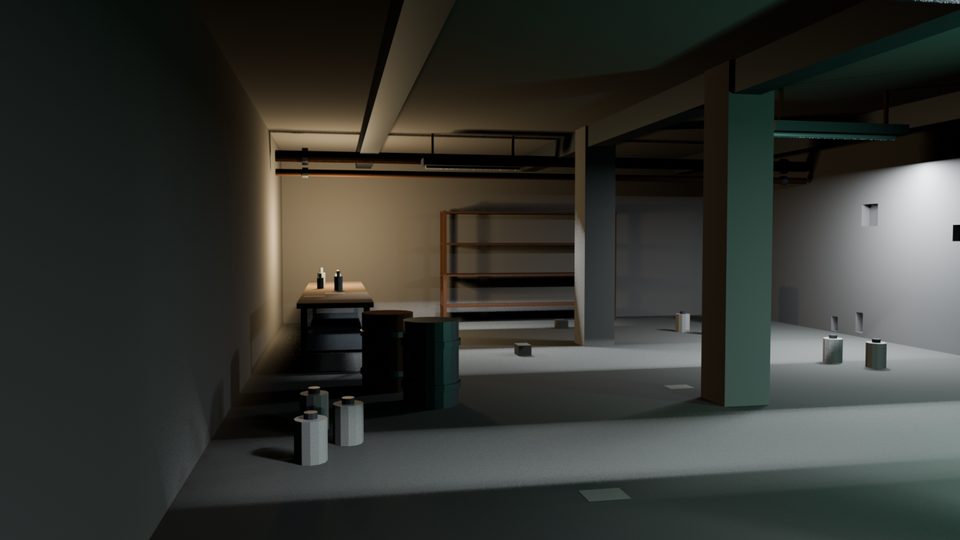
Modeling, rigging, lighting, nodes, physics and rendering, each with its own commands.
| Version | Status | Tests | Details |
|---|---|---|---|
| UE 5.3 | Tested | 295 test suites, none failed, 1 timed out | Details → |
| UE 5.4 | Tested | 322 test suites, none failed, 1 timed out | Details → |
| UE 5.5 | Tested | 322 test suites, none failed, 1 timed out | Details → |
| UE 5.6 | Tested | 322 test suites, none failed, 1 timed out | Details → |
| UE 5.7 | Tested | 333 test suites, none failed, 1 timed out | Details → |
| UE 5.8 | Tested | 312 test suites, none failed, 1 timed out | Details → |
Each number on this page, with the date it was measured and the file that records it. How each one is tested is on the verification page.
See how it is tested →717 Unreal Engine commands, 364 Blender commands, 1145 MCP tools, 801 automated tests.
the version line in the README, checked before every release3.6.23, 4.2.17 LTS, 4.4.0, 5.0.1, 5.2.1 LTS: all 298 test suites on each, none failed.
tools/suite_results.json6 versions as Epic ships them, 295 to 333 test suites each, none failed, one on each stopped at the sweep's time limit.
tools/ue_engine_sweep_results.json21 commands in Blender 5.2.1 LTS, shown as they happened.
content/blender_session.json36 commands on a UE 5.7 test project, shown as they happened.
content/panel_session.json